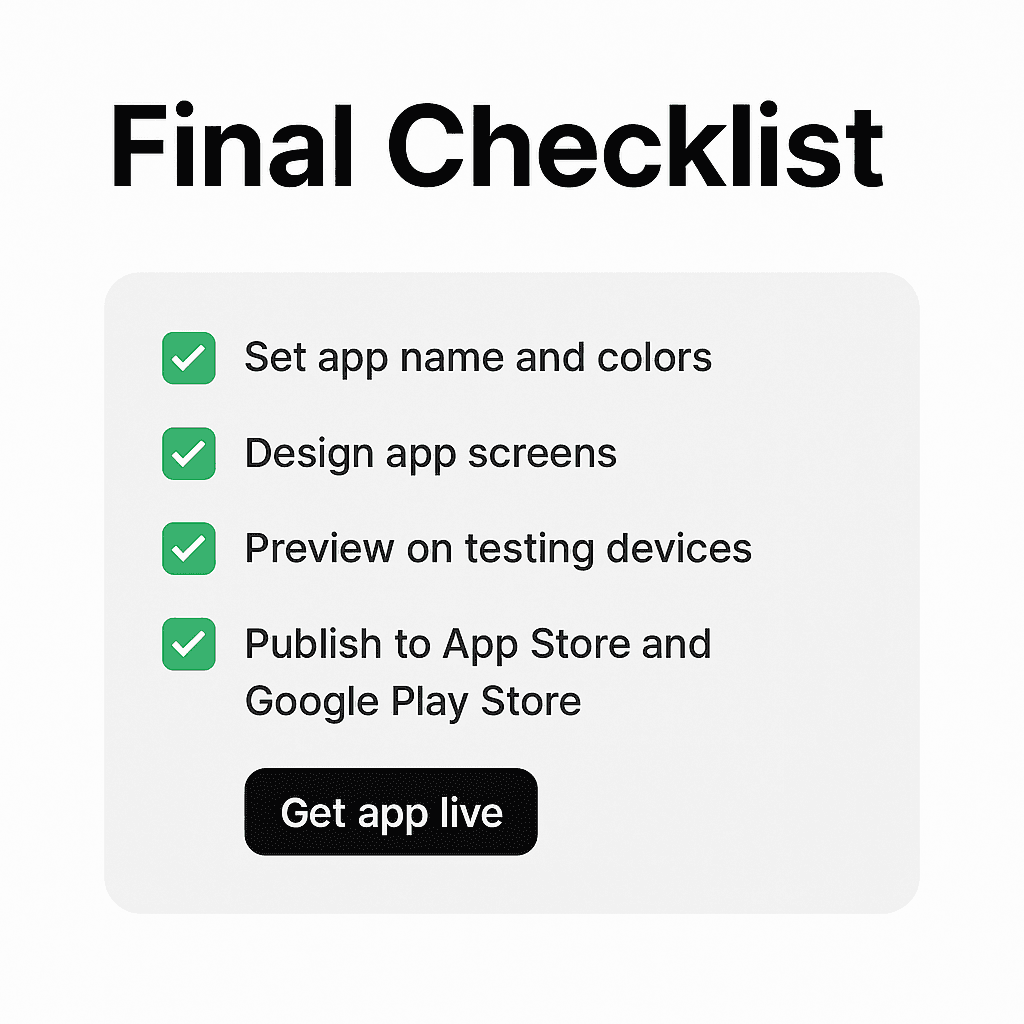
Final checklist
Overview
The Appify.it Setup Dashboard is your guided workspace to launch a fully functional mobile app directly from your Shopify store, no coding required. This step-by-step checklist ensures a smooth launch process and gives you access to expert support when needed.
Setup Checklist
This guided checklist helps track your progress as you build and publish your app. You must complete all steps to publish your app successfully. As shown in the picture below:
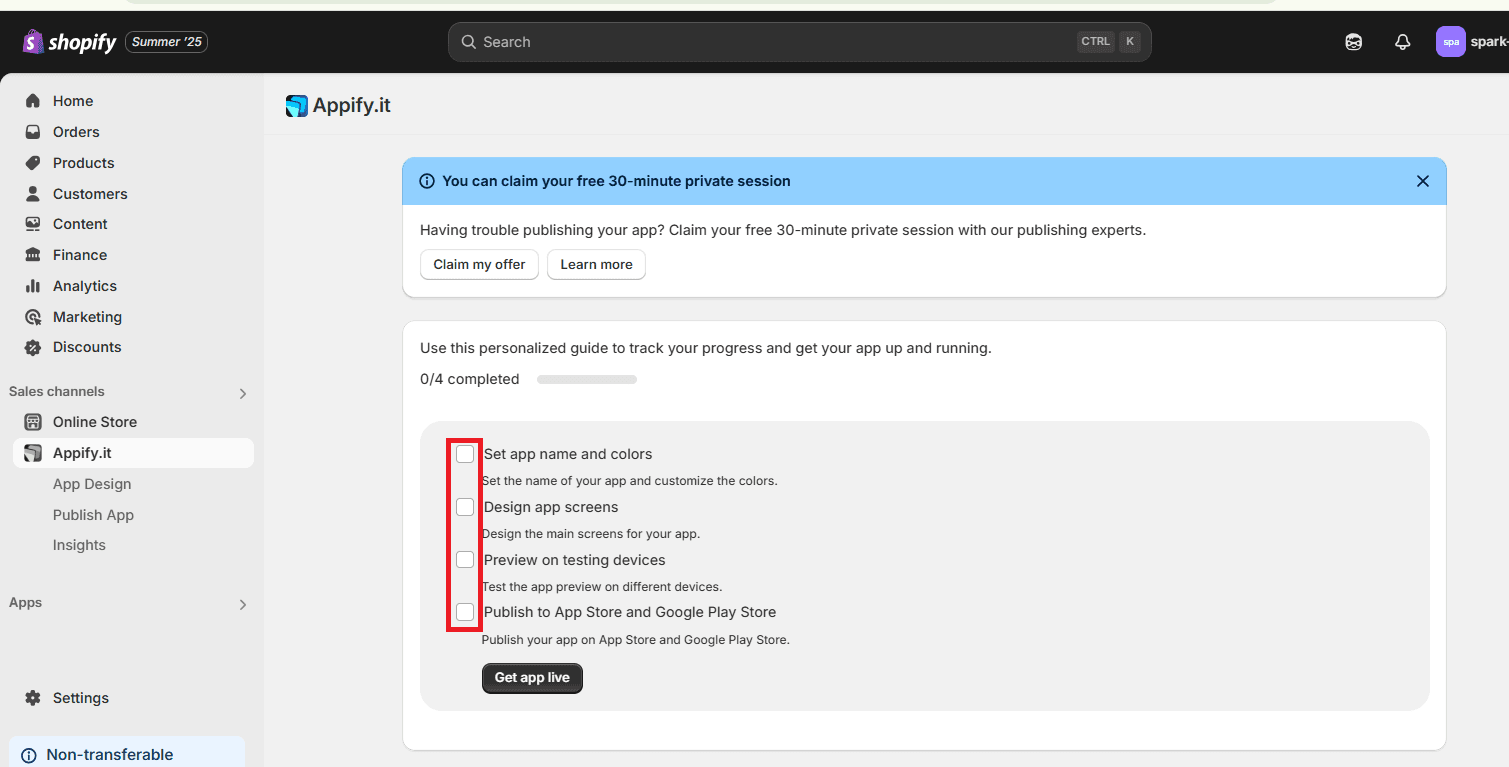
Set App Name and Colors
Customize your app’s branding by setting its name and choosing theme colors that match your store's identity.
Design App Screens
Choose layouts, features, and organize your app content. This step defines how your customers interact with your app.
Preview on Testing Devices
View your app on test devices to check for design consistency, flow, and responsiveness before launching.
Publish to App Store and Google Play
Submit your app to the Apple App Store and Google Play Store directly from this interface. Appify.it handles the technical side for you.
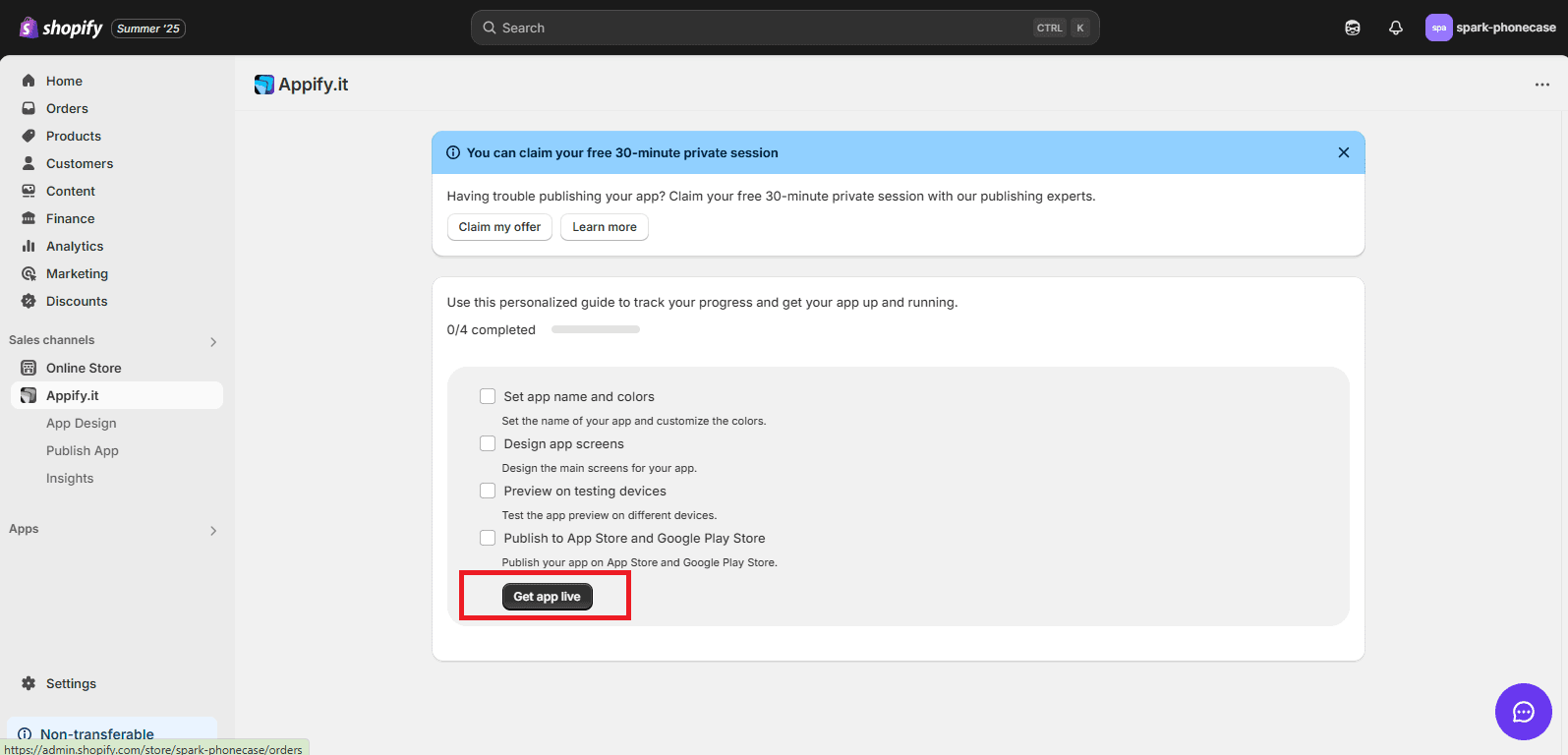
Final Step: Go Live
Once all four tasks are completed, the “Get app live” button becomes your launch trigger. Click it to publish your app and make it accessible to your customers.